User:Soprano/Gallery
This is a gallery of most of the images I've uploaded to Pikipedia.
New Play Control! Pikmin images
In February 2022 I got a capture card, which finally means I can take screenshots of games on my Wii U, including the first 3 Pikmin games. More images will come in the future!
Challenge Mode
Before I started uploading Challenge Mode images, there were only 6 on the entire wiki. Now there are more!
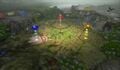
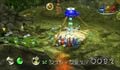
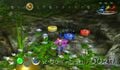
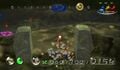
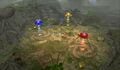
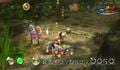 One of the enemies is looking straight at the camera.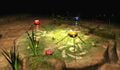
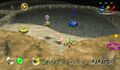 The first Pikmin image I uploaded.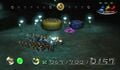
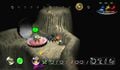
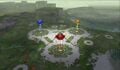
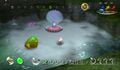
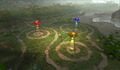
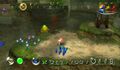
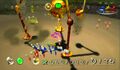
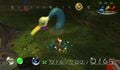 I did not expect that Snagret to be there.


Pikmin 3 Deluxe images
Menus
My main documentation focus for Pikmin 3 Deluxe was the menus.
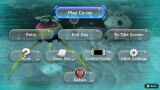 I really like this menu.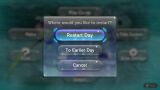
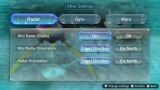
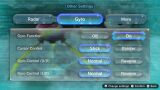
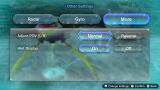
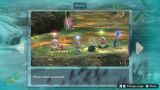
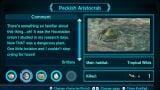
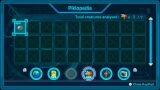
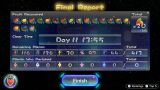 My first singleplayer run of the game.
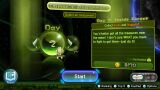
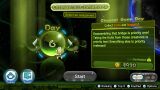
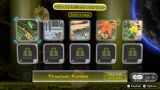
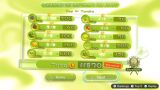
 I did this day specifically for these images.
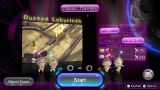
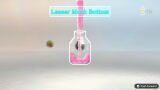
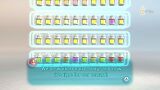
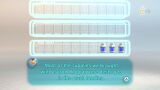
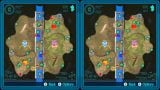
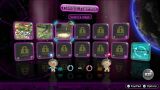

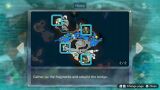
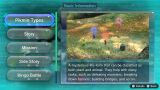
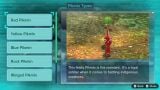
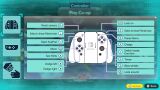
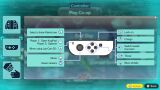
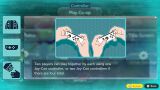
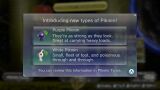
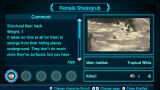
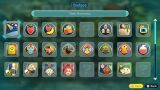
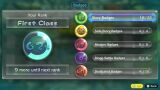
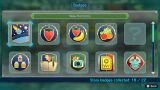
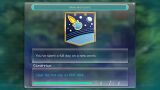
 The icon used in the action menu and other places.

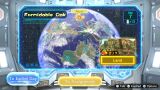
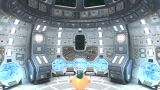 A screenshot requiring careful timing.
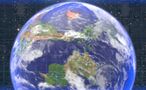 Another screenshot requiring careful timing.
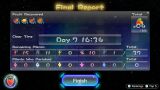 A 37-Pikmin no-death run.
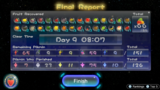 I didn't take this screenshot, Ice cube did, because no-one else has managed to do a 9-day run yet.


.jpg)
.jpg)


Walls
I took photos of every wall in Story Mode and edited together particular walls into these photo montages.


Landing sites
In the landing cutscene at the start of each day, there's a 1-frame window at the end where the "Press  /
/  to skip" box disappears and the HUD hasn't started appearing from the edges of the screen. To get these screenshots, I had to press the screenshot button at exactly the right time, and restart the day if I missed. When there were weather effects, I also had to restart the day. And in the Formidable Oak, the first day you land has is a cutscene that leaves the camera in a different place, and once the final boss has appeared, the weather is always rainy, so I had to take the screenshot on the second day of the area without having finished the puzzle. These screenshots were taken to replace an earlier set of screenshots from the original game, and those are linked on the file pages. It's fun to compare the differences. An interesting detail in these screenshots is the locations of the cursor – on the same frame as the frame without the HUD, it's in a seemingly random location, and the next frame it goes to underneath the Onion (unless motion controls are turned on, which they weren't). Some areas seem to have the same location for the cursor.


Radar maps
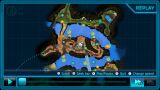
A few years ago, Espyo made a set of high-quality maps of Pikmin 3 areas, using the textures from the radar. Pikmin 3 Deluxe changed the radar textures, and also introduced a new mini radar which used a stylized version of the terrain. For months we had no maps with these new radar textures, but eventually Espyo was able to get the textures and I was able to combine them into these maps, arranging them to align exactly with the maps from the original game. It was a very fun project, and it's great to have these maps on the wiki.


Story Mode
Various Story Mode images.
Gameplay screenshots
Screenshots taken during gameplay or cutscenes.
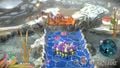
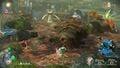 I like the way the camera zooms out on this hill.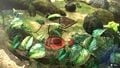
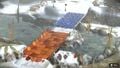
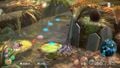
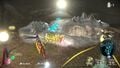
 Where do they go?
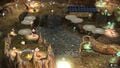 This helped me understand the structure of this room.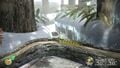
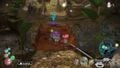 RUN
RUN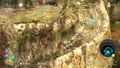
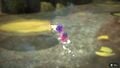
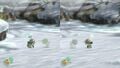 Do they see each other?
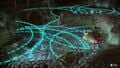 A really cool glitch.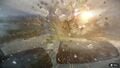
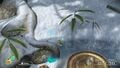 These 6 screenshots were taken to demonstrate the Day 1 Escape sequence break.
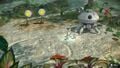
 From the opening cutscene.


KopPad photographs
Images taken with the KopPad camera.
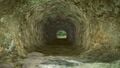 The tunnel has 9 sides.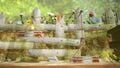
 Will it ever grow?


